
 Wave
IPTV Smarters Pro: how to set it up in the UK (2026)
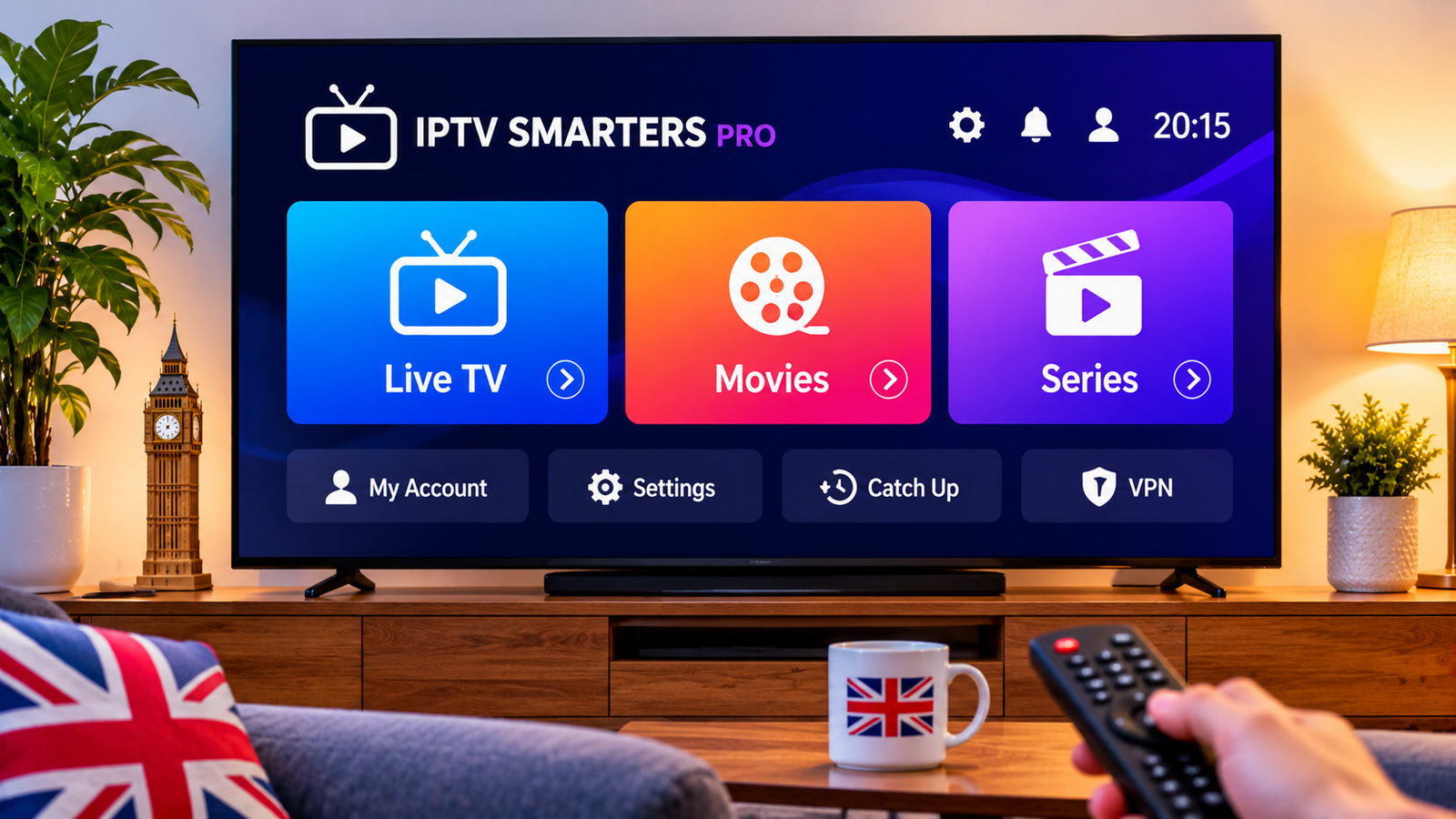
IPTV Smarters Pro is one of the most popular IPTV player apps in the UK. It is free, runs on almost every device – Firestick, Android TV, phones, tablets, Windows and Mac – and has separate sections for live TV, films, series and catch-up. It doesn't come with any channels: you log in with the details from your IPTV provider. Here's how to set it up and fix the most common problems.
IPTV Smarters Pro: quick answer
| Device | Where to get it | Login |
|---|---|---|
| Firestick / Fire TV | Official website, installed with the Downloader app | Xtream Codes |
| Android TV, phones, tablets | Google Play or the official website | Xtream Codes or M3U |
| iPhone, iPad, Apple TV | App Store (as Smarters Player Lite) | Xtream Codes or M3U |
| Windows and Mac | Desktop version from the official website | Xtream Codes or M3U |
01Install IPTV Smarters Pro
Only download the app from the developer's official website, iptvsmarters.com, or from an official app store. Copies on other sites can be out of date or modified.
- Firestick: install Downloader from the Amazon Appstore, allow it to install unknown apps under Settings → My Fire TV → Developer options, then download the app from the official website. Full steps: IPTV on Firestick.
- Android TV and phones: search for IPTV Smarters Pro in Google Play, or install it from the official website. See IPTV on Android.
- Apple: install Smarters Player Lite from the App Store. See IPTV on Apple TV.
- Windows and Mac: download the desktop version from the official website. See IPTV on PC and Mac.
02Log in to IPTV Smarters Pro with Xtream Codes
- Open the app and choose Login with Xtream Codes API.
- Type any name for the profile, for example "WaveCastUK".
- Enter the username, password and server URL from your welcome message exactly as sent, including http:// at the start.
- Choose Add user and wait while the app downloads live channels, films, series and the TV guide.
Prefer an M3U link? Choose Load your playlist or file/URL instead and paste the link. Xtream Codes is better, though: it loads the TV guide and the films and series library automatically.
03Best IPTV Smarters Pro settings for UK viewers
- TV guide: open the TV guide section and refresh it after logging in so programme times load for every channel.
- Player: if a channel stutters, try a different player under Settings → Player selection.
- Time format: set the 24-hour clock so the guide matches UK listings.
- Parental control: set a PIN to lock adult or late-night categories.
04Common IPTV Smarters Pro errors and fixes
| Problem | Likely cause | Fix |
|---|---|---|
| Invalid username or password | A typo, an extra space or a missing http:// | Copy the details again exactly as sent, then re-add the user. |
| TV guide empty | EPG not loaded yet | Refresh the guide and wait a few minutes; see fix the TV guide. |
| Buffering at peak times | Busy Wi-Fi or home network | Use Ethernet or 5 GHz Wi-Fi; see fix IPTV buffering. |
| Account expired | Subscription has ended | Renew your plan; see IPTV UK packages. |
05IPTV Smarters Pro vs TiviMate
TiviMate has the better TV guide and recording features for live channels, but it only runs on Android devices such as Firestick and Android TV. IPTV Smarters Pro works on almost everything, including iPhone and Windows, and is easier for films and series. Many people use TiviMate in the lounge and Smarters on their phone. Full comparison: best IPTV player apps.
06Frequently asked questions
Is IPTV Smarters Pro free?
Yes, the app itself is free. It is only a player: it does not include any channels, so you log in with the details from your IPTV provider.
How do I install IPTV Smarters Pro on a Firestick?
Install the Downloader app from the Amazon Appstore, allow it to install unknown apps in Settings, then use it to download IPTV Smarters Pro from the official website and log in with Xtream Codes.
Is IPTV Smarters Pro on iPhone and Apple TV?
On Apple devices it is called Smarters Player Lite and is in the App Store. You log in the same way, with Xtream Codes or an M3U link.
Why is the TV guide empty in IPTV Smarters Pro?
The EPG has not loaded yet or needs refreshing. Open the TV guide section, refresh or install the EPG and wait a few minutes. Our EPG guide covers the other causes.
IPTV Smarters Pro or TiviMate: which is better?
TiviMate has the better TV guide for live channels but only runs on Android devices. IPTV Smarters Pro runs on almost everything and is better for films and series.
Want to test it on your own setup?
Ask for a free trial and try WaveCastUK in IPTV Smarters Pro on your TV and broadband before you pay.
Get a free trialAbout this guide
Written by the WaveCastUK team from the app's own menus and our customer setup steps. Official app information: IPTV Smarters. Last reviewed November 2026. Spotted something out of date? Let us know and we'll fix it.
Related guides
Want to try it? Start your free IPTV trial or compare our IPTV UK packages.